Video tutorials
Every feature, shown in under a minute
56 short guides filmed in a sample product. Watch the one you need, then read its transcript or the full docs page.
Getting started
 47 s
Create a product
Create a product so the workspace knows what you are building.
 30 s
Show me around
Fill your workspace with labeled example records to look around.
 22 s
Home
Find your way around Home and see what to do first.
 24 s
Ask a question
Ask about your product and get answers from your own details.
 20 s
Documents
Find your documents and start a new one.
 34 s
Executive overview
Turn your evidence into a shareable executive summary with numbered sources.
 29 s
Your inbox
See what needs your judgment today, in one calm queue.
 23 s
Jump anywhere with Command K
Open any view, start a document or ask the AI from one search box.
Understand your customers
 41 s
Customers and test an idea
Describe your customer, then test an idea against its riskiest assumption.
 30 s
Run customer research
Interview users with an AI researcher and turn their answers into evidence.
 29 s
Collect customer feedback
Turn what customers ask for into a queue you can decide on.
 26 s
The decision dashboard
See what changed, what needs a decision, and where your loop is still open.
 29 s
Read your insights
See the themes, friction and opportunities across all your feedback.
 23 s
Run a research playbook
Pick a ready-made research flow and get a written brief.
 24 s
Build a reference library
Compile research, competitor notes and insights into a living wiki.
 19 s
Customer intelligence
See what customers ask for across feedback, calls and usage.
 29 s
Write a launch brief
Turn a feature and its customer evidence into a launch story your team can measure.
Decide
 23 s
Log a decision
Keep every product decision, its reason and its result in one log.
 25 s
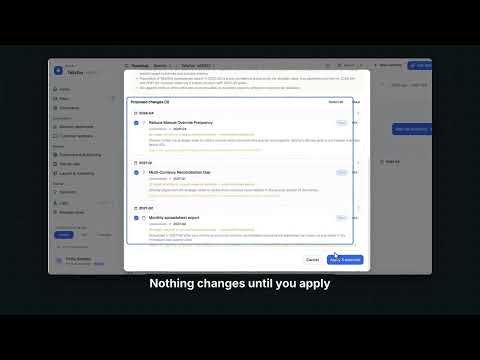
Map your opportunities
Connect business goals to the opportunities and solutions that serve them.
 32 s
Plan your roadmap
Lay out what you commit to, quarter by quarter, with the AI as a planning partner.
 30 s
Prioritize your work
Score features with RICE, ICE or your own weights and see what to do first.
 28 s
Test your assumptions
Write down what has to be true, and test the ones that could sink you.
 25 s
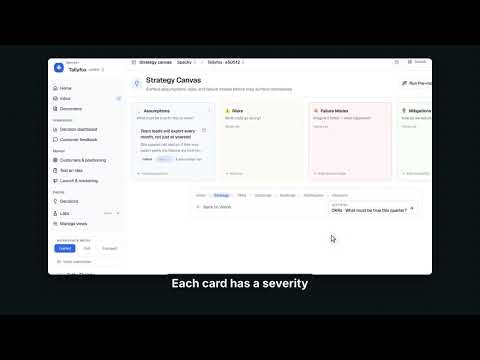
Stress-test your strategy
Surface assumptions, risks and failure modes before they surface themselves.
 22 s
Set goals and OKRs
Define what success looks like this quarter, and track it.
 22 s
Write your product vision
Say where the product is going in the next five years, in one place.
 24 s
Map your stakeholders
Track who has influence, how interested they are, and where they stand.
 24 s
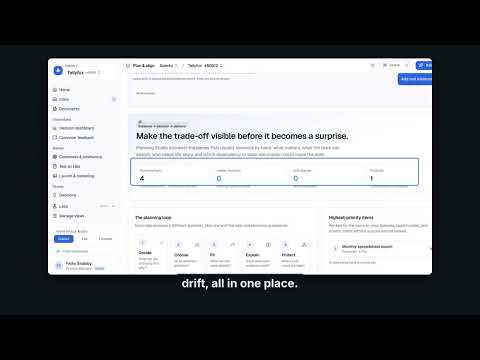
Plan and align
Make every trade-off visible before it becomes a surprise.
 24 s
Play priority poker
Get to a decision without letting the loudest voice set the roadmap.
 21 s
Check your capacity
See what fits before you promise a date.
 18 s
Catch dependencies and drift
Find hidden blockers and stale commitments before they move the date.
 18 s
Update each audience
Give executives, sales and engineering the right story from one plan.
 22 s
Write your strategy narrative
Say what bets you are making, and what you are explicitly not doing.
 19 s
Set product principles
Write the rules your team applies when decisions get hard.
 25 s
Score delivery risk
Upload your tickets and get a delivery risk score for every initiative.
 22 s
Did it work?
Follow each outcome through the initiatives and workstreams that serve it.
 25 s
Compare your products
Open the organization portfolio to review all products together.
Build
 18 s
Write a PRD in one click
Type a feature idea and get a complete PRD with customer evidence.
 22 s
Start from a template
Start any document from a proven structure, or make your own.
 29 s
Turn plans into tickets
Convert a PRD into tickets and push them to Jira, Linear, GitHub, Trello or Shortcut.
 30 s
Tickets and the work board
See engineering tickets, generate them from a spec, and follow them by stage.
 38 s
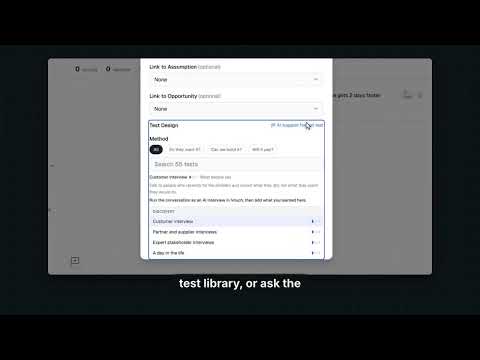
Run an experiment
Turn a risky idea into a cheap test with a hypothesis, a method and a pass signal.
 31 s
Automate repeat work
Add a workflow template, run it, and schedule it from chat.
Measure
 29 s
Measure what you shipped
Connect analytics, revenue and session tools to light up the Measure views.
 25 s
Follow your product loop
See how far your product work has travelled from question to outcome, and the next useful move.
 20 s
Check your usage
See AI generations, seats and products against your plan.
Connect your tools
 17 s
Connect tools
See which tools you can connect, without connecting anything yet.
 28 s
Add it to Notion
Put the evidence behind a spec right inside its Notion page, in one click.
 27 s
Send a spec to Notion
Turn any spec into a Notion page where your team already reads.
 29 s
Ask about Notion and Miro
Ask in chat, and the agent reads your Notion pages and Miro boards live.
Your workspace
 21 s
Invite your team
See who is in the product and invite teammates with the right role.
 25 s
Set up your workspace
Find profile, product and AI settings.
 17 s
Choose your views
Pick a workspace mode and which views the sidebar shows.
 17 s
Name your product areas
Set the categories signals are sorted into.
 19 s
Write a team charter
Give each product team a mission, a problem space and success metrics.
 13 s
See what's new
Find recent releases and what changed.
 19 s
Get help
Search guides, watch tutorials, or contact support.