Approve AI Drafts Before They Change Your Product Record
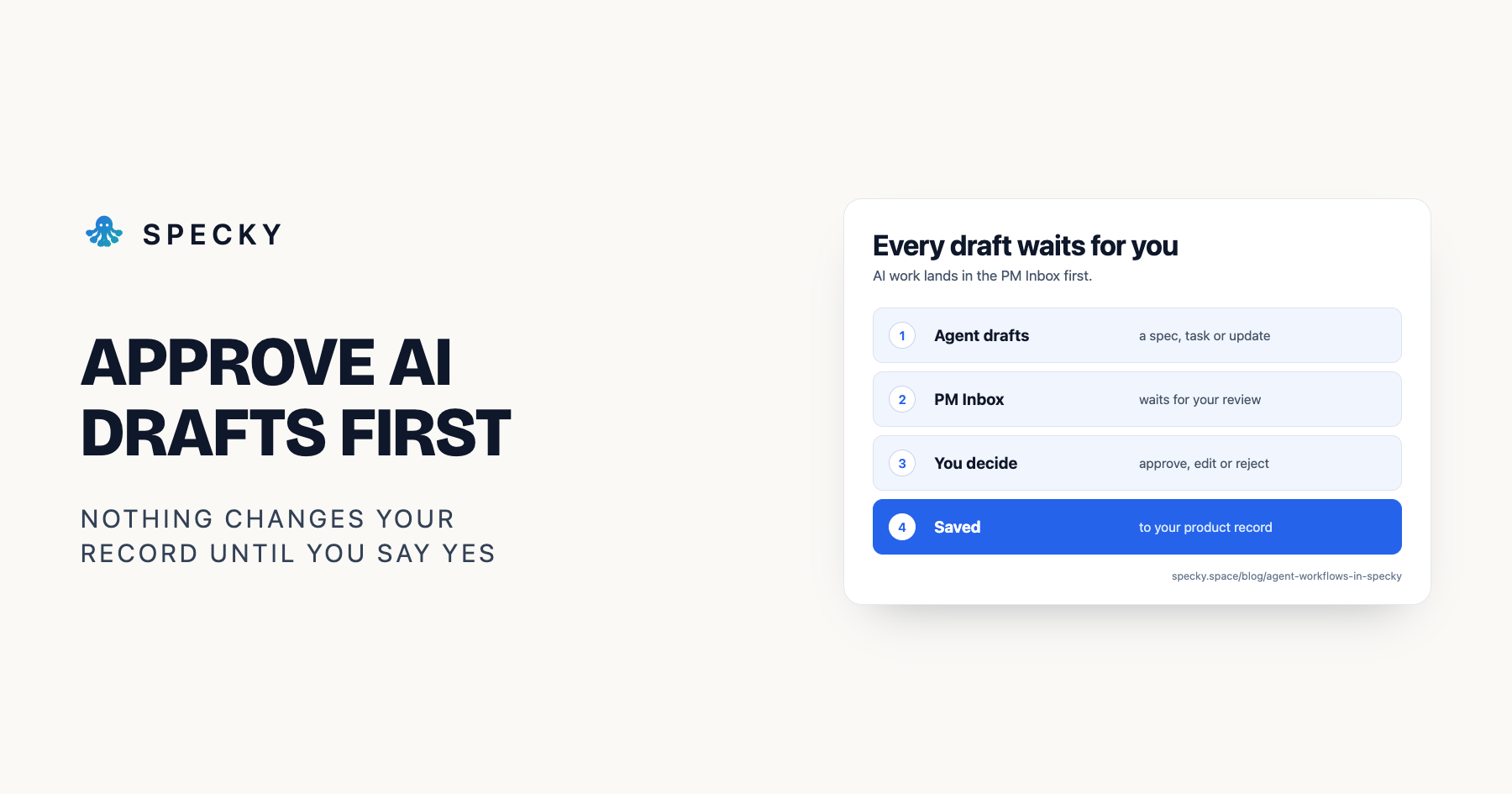
Specky holds AI drafts in the PM Inbox until a person approves them. Scheduled work repeats on a cadence, and each agent run keeps its branch, pull request and checks.
When you are a team of three, you want AI to take the repeat work off your plate. You do not want it quietly rewriting your roadmap while you sleep. The hard part is not getting an agent to produce something. It is knowing what it is about to change, and who said yes.
What it does
- Holds every Specky draft in the PM Inbox until a person approves, edits or rejects it. Nothing a draft proposes changes the record while it waits.
- Runs two recurring loops: a weekly stakeholder briefing that gathers the signals that matter to each person, and a post-launch check that reviews whether a shipped bet met its metric.
- Treats scheduled work as a draft too. An automation prepares the output, and the workspace stays the same until you approve it.
- Tracks each agent run with its branch, pull request and checks, so you can see where the work happened and what was reported.
How it works in practice
Say you ship a change to onboarding and attach the metric it should move. Later, the post-launch check reads that metric and prepares a draft on whether the bet worked. The draft lands in your PM Inbox, next to the weekly briefing.
You open it, read the evidence, fix a sentence, and approve. Only then does the workspace use it. If the draft is wrong, you reject it and nothing changes.
The same rule holds for coding work. When a ticket goes to a coding agent, the run records its branch, pull request and checks. If the summary sounds too good, you follow the trail and look at the actual work.
If you work in Claude or ChatGPT, the Specky connector can show your queue when you ask "what is waiting for my review in Specky?", and on Scale it can start a custom workflow when you ask "run my feedback digest workflow in Specky".
Where it stops
- An agent cannot publish on its own. Approval is the step that turns a draft into something the workspace uses.
- Research playbooks and scheduled automations are on Growth and above.
- Building your own multi-step workflows is on Scale, so check the plan before you design around it.
Try it
Let Specky prepare the next draft, and keep the final yes for yourself. See how drafts, schedules and run trails fit together on the feature page.
Keep reading
AI Agent Handoff: When Your Product Should Ask, Act or Stop
Decide when an AI agent should ask, act within clear bounds, or stop and hand control to a person, with real data on how agents and users share control and a contract you can copy.
AI Decision-Making Framework: Set Boundaries Before AI Acts
AI is moving from writing answers to making small decisions inside real workflows. Here is the seven-part decision contract product teams should write before an AI decision reaches a user or system.
Per-Seat Pricing Is Dying: The AI Pricing Models Replacing It
When an AI agent does the work, a seat stops measuring value. Here is how Intercom, Zendesk, Salesforce, Sierra and GitHub price AI in 2026, and how to choose a model for your product.