Build on Your Product Record with the Specky REST API
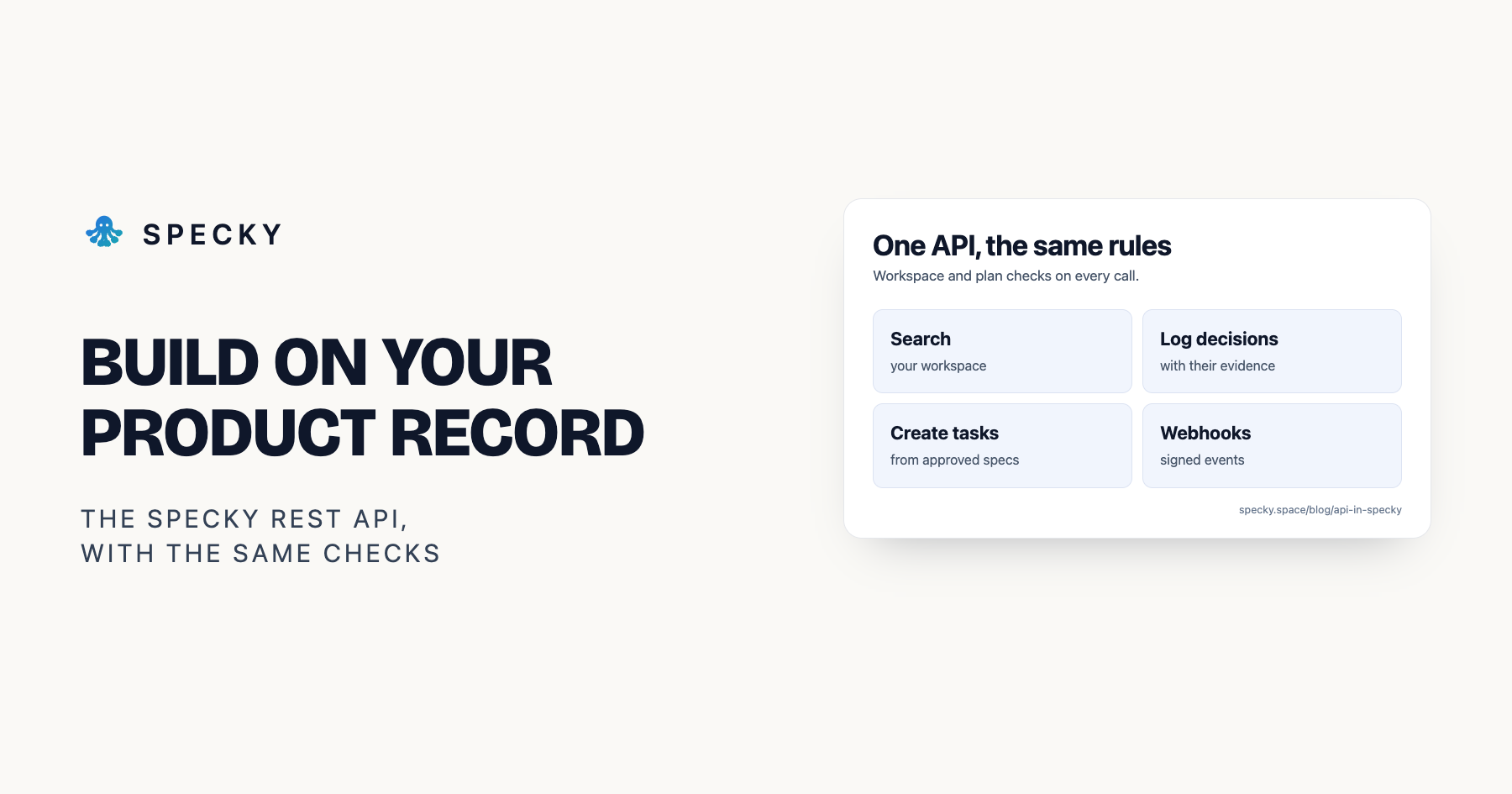
Specky's REST routes and webhooks let your scripts search the workspace, log decisions and create tickets, under the same workspace scope and plan checks as the app.
Technical founders end up with a pile of scripts: a CI job, an internal dashboard, a bot in the team channel. Each one keeps its own half-copy of what the product is and what was decided. Specky's API lets those tools read and write the product record itself instead of another copy of it.
What it does
- Reads.
GET /api/v1/searchcalls the same workspace-search tool the app uses. Other reads return product context, the coding brief, agent context, documents and recent signals, all scoped to the workspace behind the key. - Writes.
POSTroutes capture signals and create documents, insights, decisions and tickets through the same tool registry the app and MCP use. Inputs are validated the same way, and responses carry a readable summary with the structured result. - Workflows. Custom workflows can be listed and started through
/api/v1/workflowsand/api/v1/workflows/{id}/runs. - Webhooks. Subscribe an endpoint to events such as
decision.createdorticket.created. Deliveries are signed with a secret shown once when you create the webhook, so your service can verify them.
How it works in practice
Generate a workspace-scoped key in Settings, under Developer. Send it as a bearer token on every request.
A simple script might call GET /api/v1/search for a recurring theme, then POST /api/v1/decisions to record the choice a person made, then POST /api/v1/tickets for the agreed follow-ups. A webhook delivers decision.created to an internal service so the rest of your stack hears about it.
The decision and the tickets stay reviewable in Specky. The script records the call; it does not decide what ships.
The same tools are exposed over MCP, so in Claude or ChatGPT you can skip the code and ask "search my Specky workspace for onboarding complaints".
Where it stops
- It is not full CRUD for every object. The published surface is a defined set of reads and creates, and the current list lives in the OpenAPI document at
/openapi.json. Check it before you plan around an endpoint. - There is no official multi-language SDK and no GraphQL endpoint. Call the REST routes directly or generate a client from the OpenAPI document.
- A key does not skip plan or permission checks. Mutating calls need workspace edit access, and module-gated features still check the workspace entitlement.
Try it
Start with one read and one written decision, and let the evidence stay attached. The routes and boundaries are on the feature page.