Draft Leadership Status Updates from Your Product Data
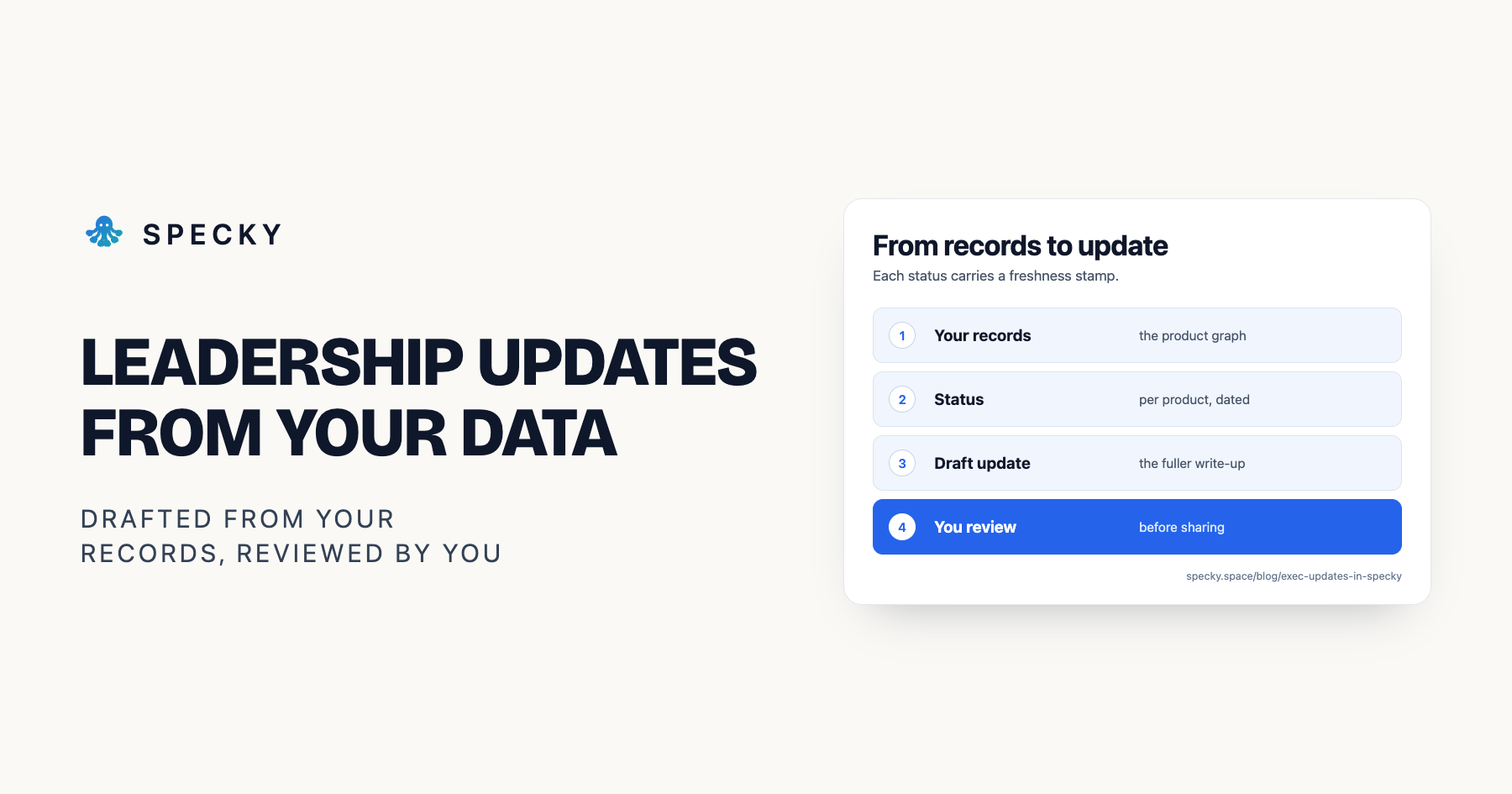
Exec Snapshot gives each product a status dot, a one-line headline and a freshness stamp. Exec Overview drafts a fuller update from the product graph for you to review.
Someone always asks "where are we?" It might be your co-founder or the leadership group. Answering means pulling from specs, tickets, signals and decisions, then writing it up by hand. And when you read someone else's status line, you rarely know how old it is.
What it does
- Exec Snapshot is a per-product widget in Overview. It shows a status dot, a one-line AI headline and a freshness timestamp, enough to see where to look first.
- The snapshot refreshes on a 6-hour cache, and the timestamp travels with the headline so nobody has to guess its age.
- Exec Overview reads the whole product graph, optionally at org scope, and groups its draft by product.
- The Overview draft is cached for 7 days and regenerated only when someone selects Refresh. There is no silent rewrite while you are reading it.
- Both outputs are drafts for a person to review.
How it works in practice
At the start of the week you open Overview. Each product has a dot and a single line. One line catches your eye, and the freshness stamp tells you it was written a few hours ago.
When you need the full story, you open Exec Overview. It has read the product graph and grouped what it found by product. You check the numbers and the wording against what you know, edit what needs editing, and share it.
If a lot has changed since the last draft, you select Refresh to get a new one. Otherwise the existing draft stays as it was, so two people reading it see the same thing.
Where it stops
- Specky does not invent metrics and makes no accuracy claims for these drafts. You check the numbers before anyone else reads them.
- The snapshot can be up to six hours old, and the full draft does not change until someone selects Refresh.
- The draft is only as useful as what is in your product graph. Thin context gives a thin update.
Try it
Open the snapshot for the glance, then read the full draft when you need the story. See how both work on the feature page.