Write an Evidence-Backed Launch Brief for Every Feature
Specky turns a shipped change, its audience and your customer evidence into an editable launch brief, with every claim marked as supported or assumed.
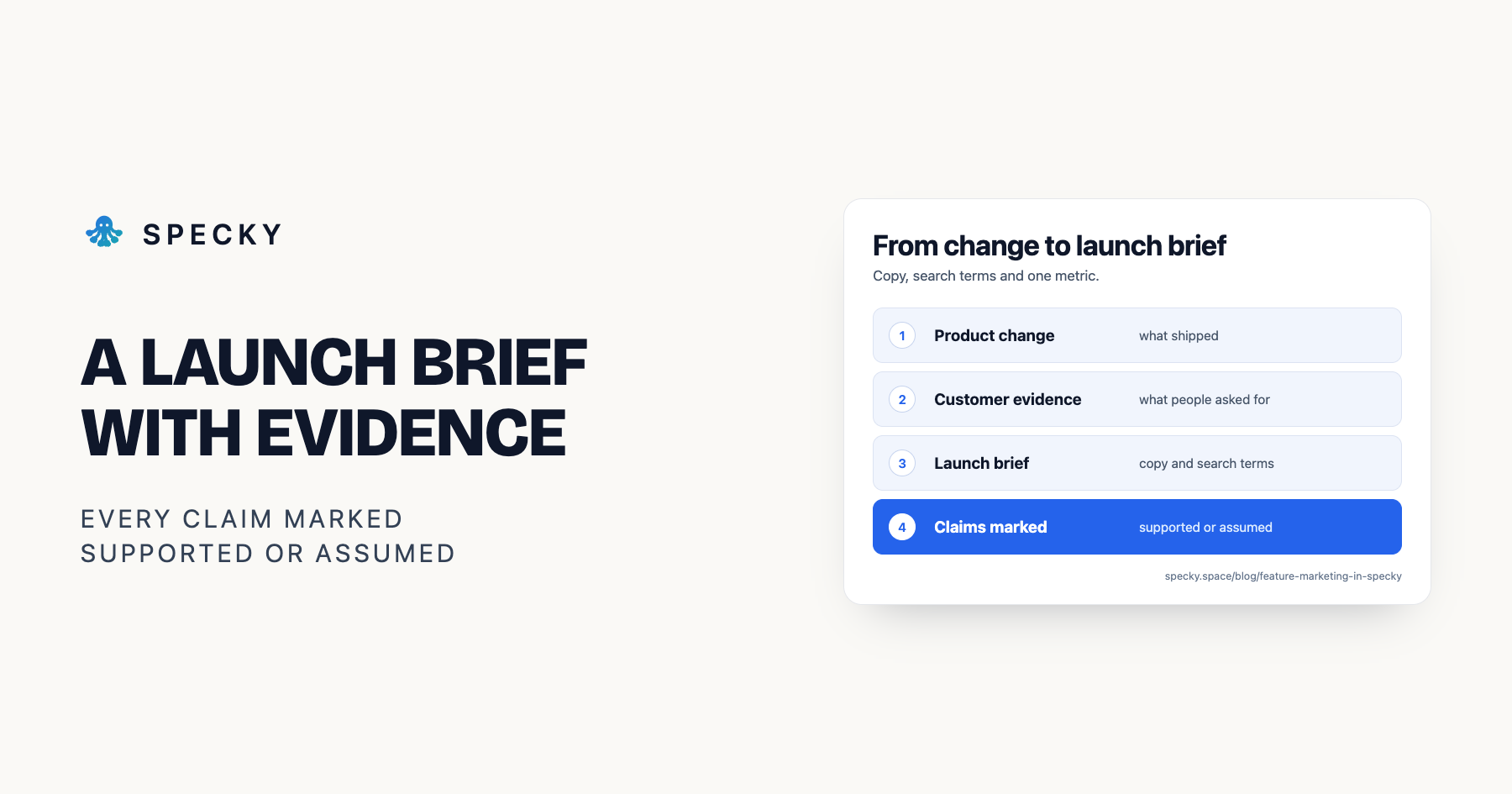
Release notes say what changed. They rarely say who it is for, why it matters to them, or how you will know it worked. A small team ships fast, writes launch copy in a hurry, and the claims drift away from what was actually built.
What it does
- Starts from one feature and one ICP segment. You can pick an existing feature, opportunity, roadmap item, experiment, ticket or strategy card as the product context.
- Produces a launch brief: audience, problem, positioning, value proposition, benefits, use cases, setup steps, a landing-page opening, release notes, a customer email, an in-app announcement, social posts, a sales talk track, SEO metadata, FAQs and a measurement plan.
- Marks every claim as supported by workspace evidence or still assumed. Evidence IDs are checked against real Product Graph nodes before the brief is saved.
- Asks you to name the primary metric, review window and guardrails before launch.
- Keeps every part editable. Nothing publishes on its own.
How it works in practice
Say you are launching a signup-diagnosis workflow. You pick the feature and the segment it is meant to help.
Specky connects the change to the evidence already in your workspace. If you have no ICP written yet, the brief says which audience claims are still assumptions.
The brief comes back as one consistent story, adapted for the page, email, in-app note, social posts and sales. In this example, the useful promise is not that AI finds the cause instantly. It is an investigation that checks the live source and says when data is missing. The proof section separates supported claims from open assumptions.
Before launch, you agree on the result: here, qualified investigations that lead to a reviewed next action. Then your team edits the wording and decides what gets published.
Where it stops
- It does not publish anything. The first output is a reviewable brief, and your team decides what gets copied, tested or sent.
- Without an ICP or enough evidence, more of the brief is marked as assumption, not fact.
- AI drafts the work; your team owns the final language and the launch decision.
Try it
Pick your next feature and its audience, and build one honest launch story from the evidence. Start on the feature page.
Keep reading
Release: Start a Decision and Bring In People Outside Your Team
Open a business, pricing or hiring question, invite sales, finance, advisors or customers to vote by link, and decide with everyone's input in one place.
Release: Compare Options and Vote on a Decision
Lay out the options for any decision, vote with a reason, let Specky weigh the evidence for each option, then record the choice.
Release: Browse Your Specky Workspace From Claude
Connected AI assistants can now list items in your workspace, jump to them with direct links, and build ready-made boards from three recipes.