Trace a Feature From Customer Signal to Shipped Outcome
Why does this feature exist? Specky links signals, decisions, specs, tickets and outcomes, so the answer survives a busy founder or a new hire.
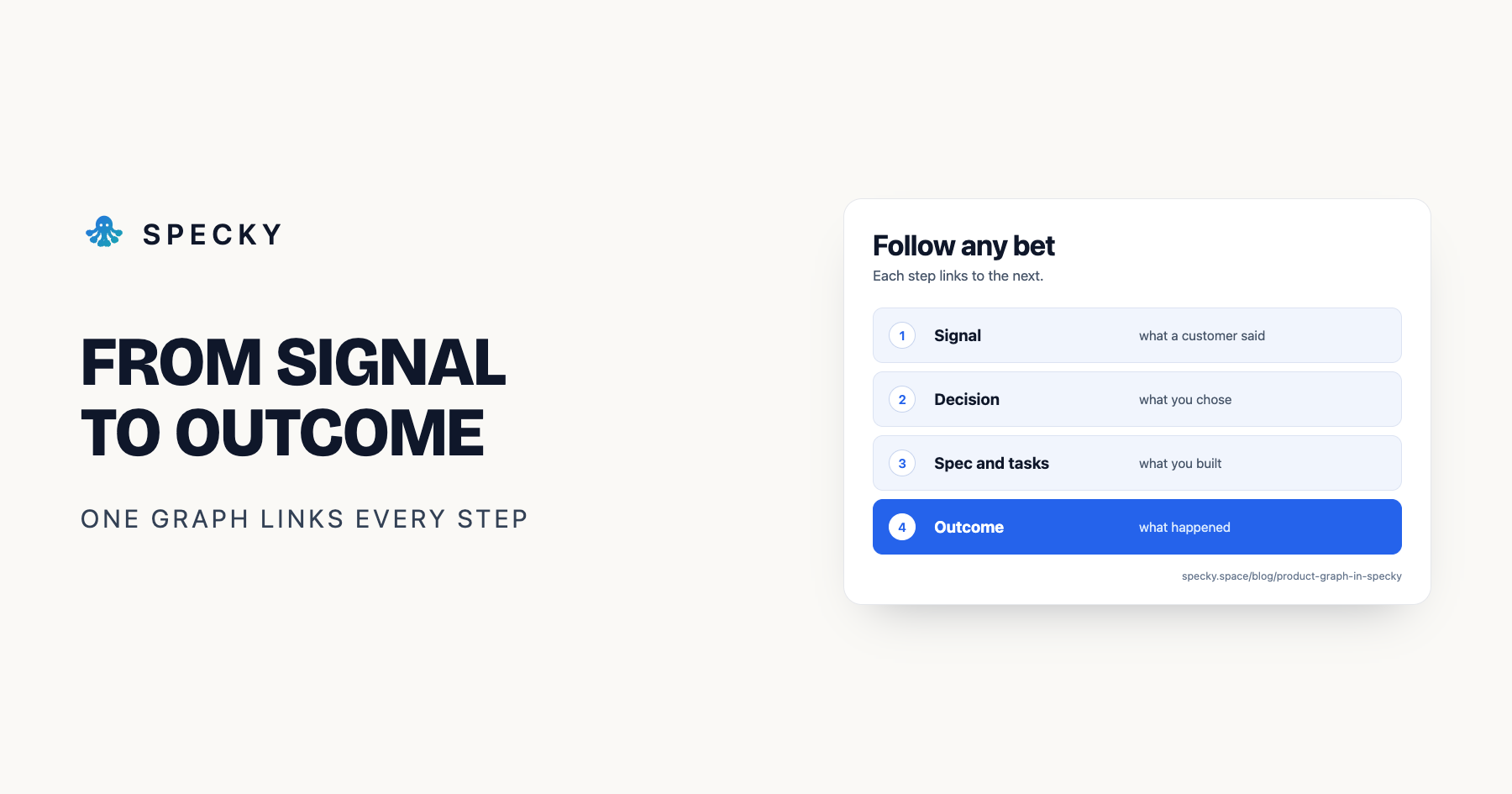
Six months after shipping, someone asks why a feature exists. In a small team, the answer is spread across a Slack thread, a closed ticket and the founder's memory. When the founder is busy or the first PM is new, that context is effectively gone.
What it does
- Stores signals, decisions, specs, tickets and outcomes as linked nodes and edges, not folders. A relationship is saved as a relationship, so it survives a rename or a new hire.
- Brings in the tools your team already uses through native integrations. Each one feeds the same product context instead of making a separate copy.
- Covers sources without a native connector through REST, webhooks or a custom MCP server you control.
- Lets you start at a customer signal and follow it to the decision it shaped, the spec that described it, the ticket that shipped it and the check that judged it.
How it works in practice
Start with one source and one real question. The page frames it as: "Which decision led to this ticket, and what did it change?"
The steps are connect, link, trace and extend. Connect a source natively, over REST or by webhook. Link the signals to the decision, the decision to the spec, and the spec to the tickets. When you need the story later, trace it end to end instead of rebuilding context from memory. As new evidence arrives, it attaches to the same connected record.
The output is a path you can follow: where the evidence came from, which decision used it and what happened after shipping. For a solo founder switching between building and product work, that path is what keeps the reason behind a feature from disappearing. For a team adding its first PM, it is the history they can read on day one.
Where it stops
- It does not replace Jira or your analytics. Delivery and analytics tools stay where they are. Specky holds the product context and the links between them.
- The graph gets more useful as linked decisions and outcomes build up. With one source and no decisions logged, there is little to trace yet.
- You don't need to connect everything at once, and you shouldn't expect a full picture from a single connection.
Try it
Your AI tools can follow the same links. Through the Specky connector, Claude or ChatGPT can search your workspace and open any PRD, decision, insight or ticket with its links. Ask it to "find the decision behind our onboarding ticket in Specky and show what it links to."
Connect one source at specky.space/features/product-graph.
Keep reading
Import Customer Feedback From a CSV, Doc or URL
You already have feedback in exports and docs. Upload a file, add a URL or paste a batch, and Specky turns it into signals you can group and quote.
Release: A Smoother Gmail Connection
Specky now suggests a "Specky" Gmail label so you choose exactly which emails it reads, and tells you what to expect on Google's sign-in screens.
Release: Specky in Notion, Plus Notion and Miro in Chat
Add a Specky widget to a Notion page in one click, send any Specky document to Notion, and let the assistant read your Notion pages and Miro boards.