Specky Boards Now Work in ChatGPT, Not Just Claude
ChatGPT doesn't show MCP prompts, so Specky's board recipes were invisible there. A new get_recipe tool fixes that: ask in plain words and the board gets built.
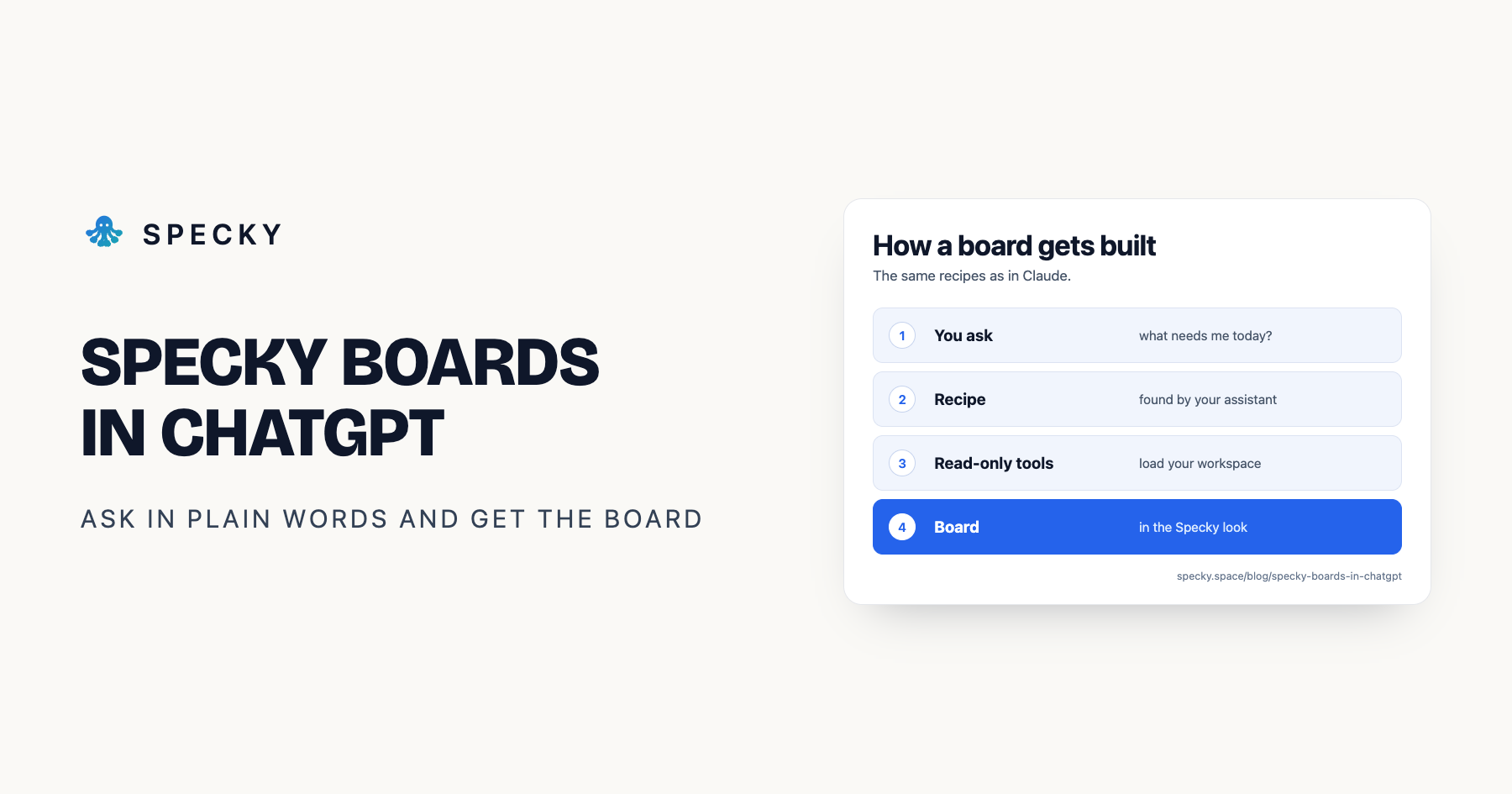
Specky's board recipes started life as MCP prompts. In Claude they show up as commands under the connector, so you pick one and Claude builds the board.
ChatGPT works differently. It uses MCP tools but never shows MCP prompts, so a ChatGPT user could connect Specky and never find a single board.
The fix: recipes as a tool
The connector now has get_recipe. It returns the same recipe text Claude gets as a prompt, so any client that can call a tool can build any board. You don't need to know the tool exists. Ask in plain words:
- "Build my decision log with Specky"
- "Show me my roadmap as a board"
- "What needs me today?"
Your assistant finds the right recipe, reads your workspace with Specky's read-only tools, and builds the board.
Links that actually go back to Specky
While testing this in Claude, we found something else. Hosts pass the model only the text of a tool result, not its structured data, so item links and paging never reached the board. Every structured result now also comes back as JSON text. Boards link to the real item in Specky, and long lists page correctly.
What works the same, and what doesn't
The recipes, the read-only tools, the Specky look and the approval rule are the same in both. Boards that draft something, like a look-back or an insight, still hand it to the chat, and nothing is saved until you say yes. What differs is the canvas: how the board renders and how interactive it is depends on ChatGPT and your plan. If a board can't render, ask for the same view as a table in the chat.
Not sure where to start? Say "help me get set up". Specky checks your workspace and tells your assistant the one step that matters next.
Try it
In ChatGPT, custom connectors depend on your plan. Where they are available, add https://www.specky.space/api/mcp and ask for a board. All eight boards are listed on the boards page.
Keep reading
Give Claude Code and Cursor Your Product Context via MCP
Specky's MCP server hands coding agents the approved spec, product context and your engineering rules, then checks the plan and the finished change before a run counts as done.
Verify Claude Code and Cursor Changes Before They Say Done
Specky gives Claude Code and Cursor product context over MCP, then checks the changed files for out-of-scope edits, likely secrets and missing tests before a run passes.
A Goal Tracker That Never Fakes a Percentage
Goals by quarter, at-risk ones first, and a progress bar only where the numbers support one. Built by Claude from your Specky workspace.