Verify Claude Code and Cursor Changes Before They Say Done
Specky gives Claude Code and Cursor product context over MCP, then checks the changed files for out-of-scope edits, likely secrets and missing tests before a run passes.
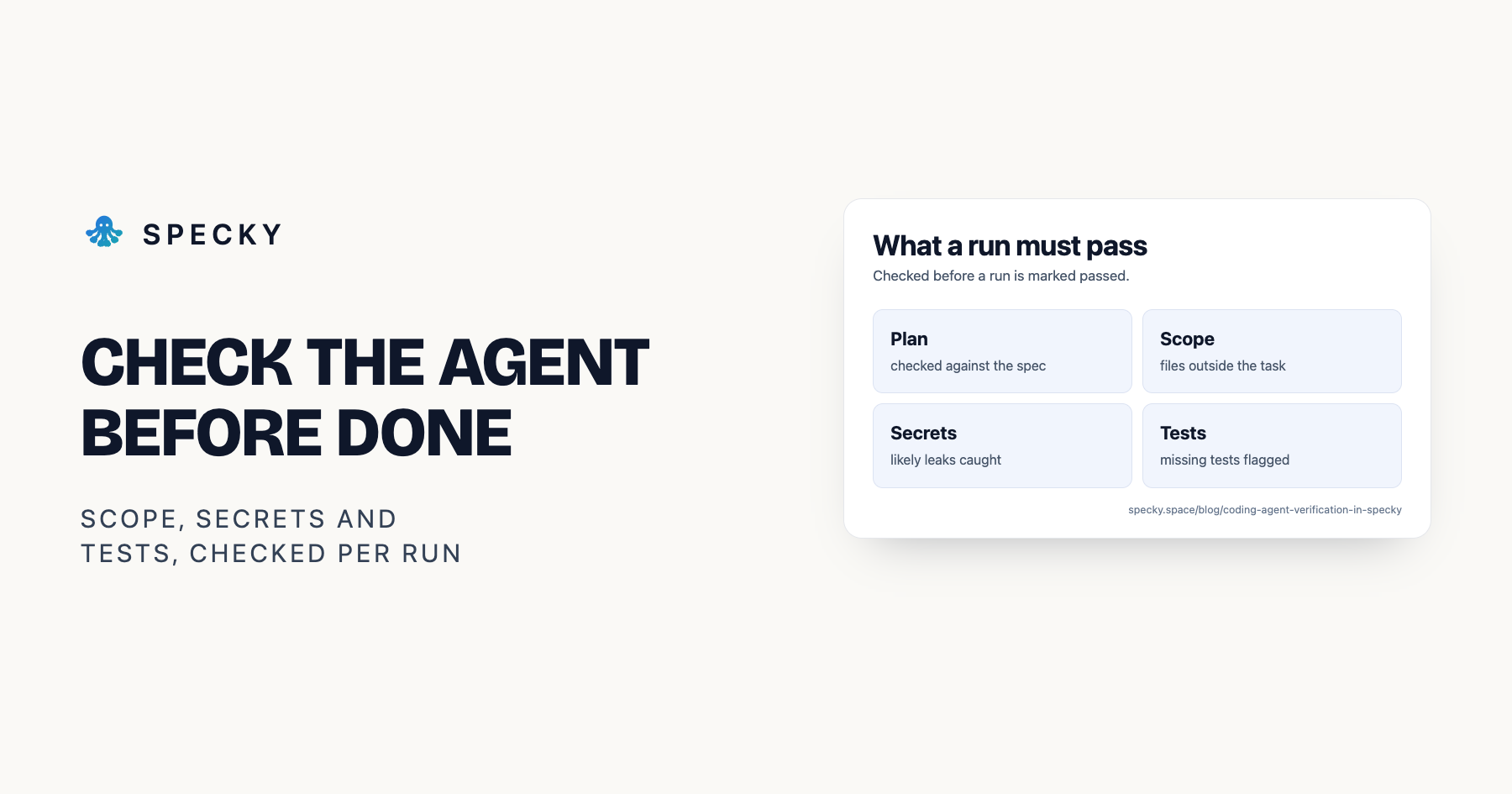
Coding agents finish fast and report success with a tidy summary. That summary does not tell you whether the agent edited files outside the ticket, committed a credential, or skipped the tests. If you are a solo founder shipping with Claude Code or Cursor, you are usually the only reviewer.
What it does
- Gives Claude Code and Cursor the current product context over MCP before they start.
- Runs
validate_agent_changeagainst the changed files, and an optional diff, before a run can be reported as passed. - Checks the files against the scope on the ticket you handed off, or the agent's own plan when the ticket has none, plus your engineering rules. Edits outside that scope get flagged.
- Looks for likely leaked credentials in the change, so a suspicious value goes to a person instead of into a quiet commit.
- Points out missing tests, so a change with no coverage is not treated as finished.
How it works in practice
You connect your coding agent to Specky over MCP and hand it one ticket. The agent pulls the brief: the approved spec, the decisions and the customer evidence behind the change.
It edits code in your repository. Before it reports back, it sends its changed files to the change gate. Say it also touched a config file the ticket never mentioned. That shows up as a finding, and the run is not reported as passed. You or the agent fix it and check again.
The findings stay on the run, where the team can see them later.
Because this runs through the Specky connector, you can ask your agent in Claude Code "get the Specky coding brief for this ticket, and check the change with Specky before you call it done".
Where it stops
- Specky does not write the code. Your coding agent works in your repo; Specky supplies context and checks the result.
- A passed run means the gate found no blocking findings. It is not a deployment or a smoke test, and it does not mean the change is live.
- The page names Claude Code and Cursor as the supported MCP connections for this check.
Try it
Connect one coding agent, hand it one ticket, and see what the change gate finds. Setup starts on the feature page.
Keep reading
Give Claude Code and Cursor Your Product Context via MCP
Specky's MCP server hands coding agents the approved spec, product context and your engineering rules, then checks the plan and the finished change before a run counts as done.
Specky Boards Now Work in ChatGPT, Not Just Claude
ChatGPT doesn't show MCP prompts, so Specky's board recipes were invisible there. A new get_recipe tool fixes that: ask in plain words and the board gets built.
Every Board Your AI Builds Now Looks Like Specky
Boards that Claude or ChatGPT build from your Specky workspace now carry the Specky logo, colours and layout, in light and dark, instead of looking like a generic dashboard.