Write Product Specs Where Every Requirement Has a Source
Specky drafts product specs from your customer evidence, with a source link on every requirement and "Needs evidence" on anything without one.
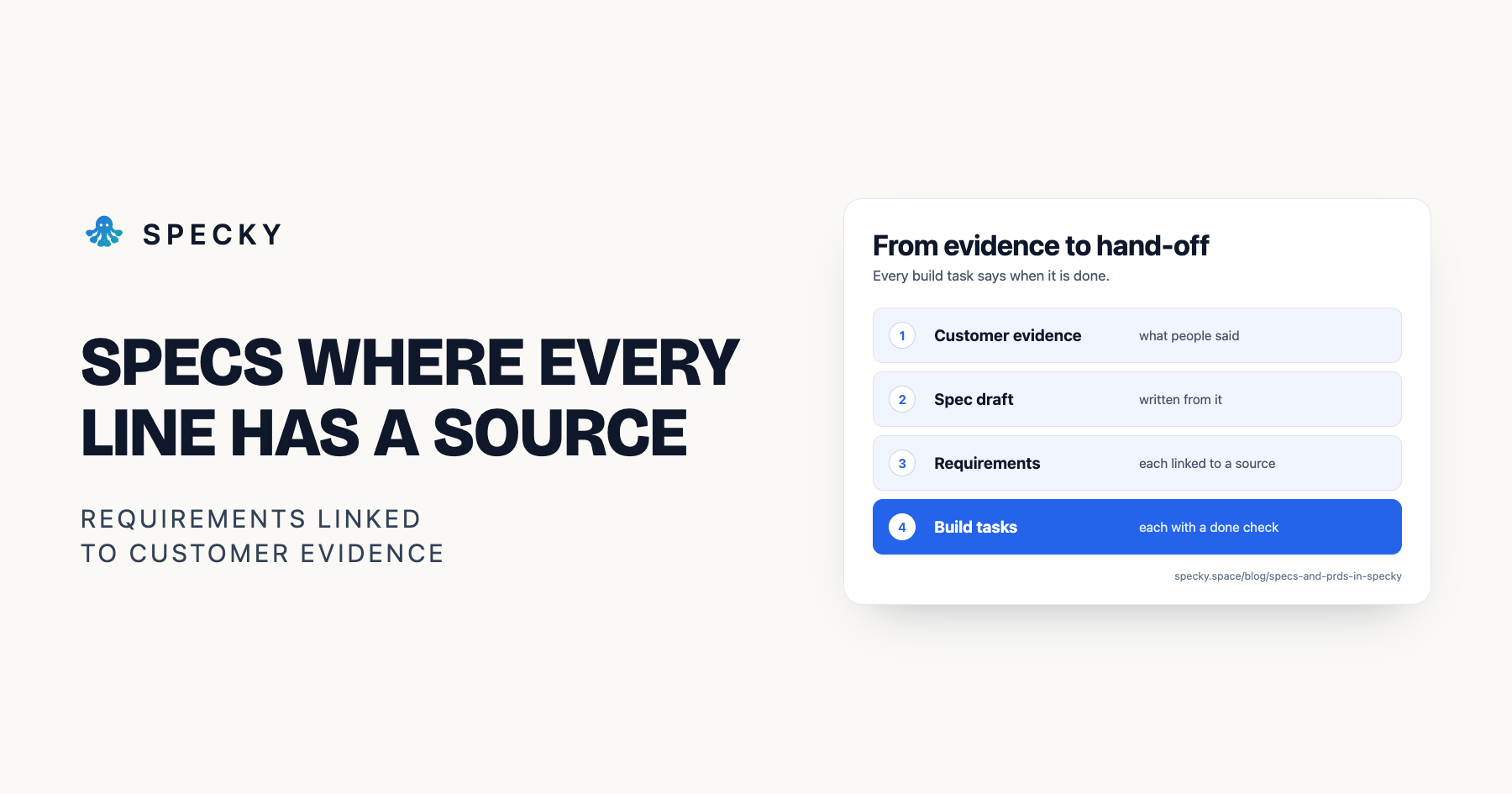
A spec written late at night, or by an AI from a one-line prompt, reads confident whether or not a customer asked for any of it. A reviewer has no way to check. And if a coding agent builds from it, the agent builds exactly what the spec says, guesses included.
What it does
- Drafts PRDs and specs from the customer evidence already in your workspace.
- Links every requirement to the quote, ticket or metric behind it. Anything without a source is marked "Needs evidence".
- Gives you PRD and spec templates, so a draft starts with the sections reviewers expect.
- Turns a spec into tickets with acceptance criteria, which are reviewed before they go anywhere.
- Pushes the tickets you choose to Jira, Linear, GitHub, Trello or Shortcut, with a link back to the spec and its evidence.
How it works in practice
You have signals and a decision in the workspace about a feature, say bulk export. You start from a PRD template, and Specky drafts the document with source links beside the claims.
Then you review it. A requirement that links to three customer quotes is easy to keep. A requirement marked "Needs evidence" is a prompt: find the source, or cut the line. You edit the decisions and trade-offs yourself. The structure keeps the rest in place.
When the spec is ready, you generate tickets with acceptance criteria. You review those too, and push only the ones you want to your tracker. Each ticket keeps its link back to the spec, so the reason is still reachable after the hand-off.
If you build with Claude Code, Cursor or Codex, those agents can read the spec and the evidence through Specky's MCP server, so they work from the reviewed version rather than a pasted summary.
Where it stops
- Specky does not write the spec on its own. It drafts from your evidence, and a person reviews and edits the document before it is used.
- Tickets are not sent to your tracker automatically. Only the ones you choose are pushed.
Try it
From Claude or ChatGPT with the Specky connector, you can ask it to "draft a PRD for bulk export" and the document is saved in Specky as a draft for you to review.
See how specs work at specky.space/features/specs-and-prds.
Drafts waiting for your review show up on the founder board, a board Claude or ChatGPT builds from your Specky workspace.
Keep reading
How to Write a PRD: Steps, Template and When to Automate It
A step-by-step method for writing a PRD engineers will actually use, a copyable template, a worked example, and an honest split between what to automate and what to keep.
How to Write a PRD with AI: A Prompt Framework and Review Loop
AI turns the PM from writer into editor. Here is the prompt framework, the copy-paste PRD prompt and the review loop that keep an AI-drafted PRD honest.
How to Break a PRD Into User Stories and Jira Tickets
A step-by-step method for turning a PRD into epics, user stories and Jira tickets without losing the why, plus a worked example and where AI ticket generation helps.