Group Feature Requests by the Customer Problem Behind Them
Specky groups customer requests from different channels by the problem they describe, with a count and the customer's own words, so you can decide what to look at next.
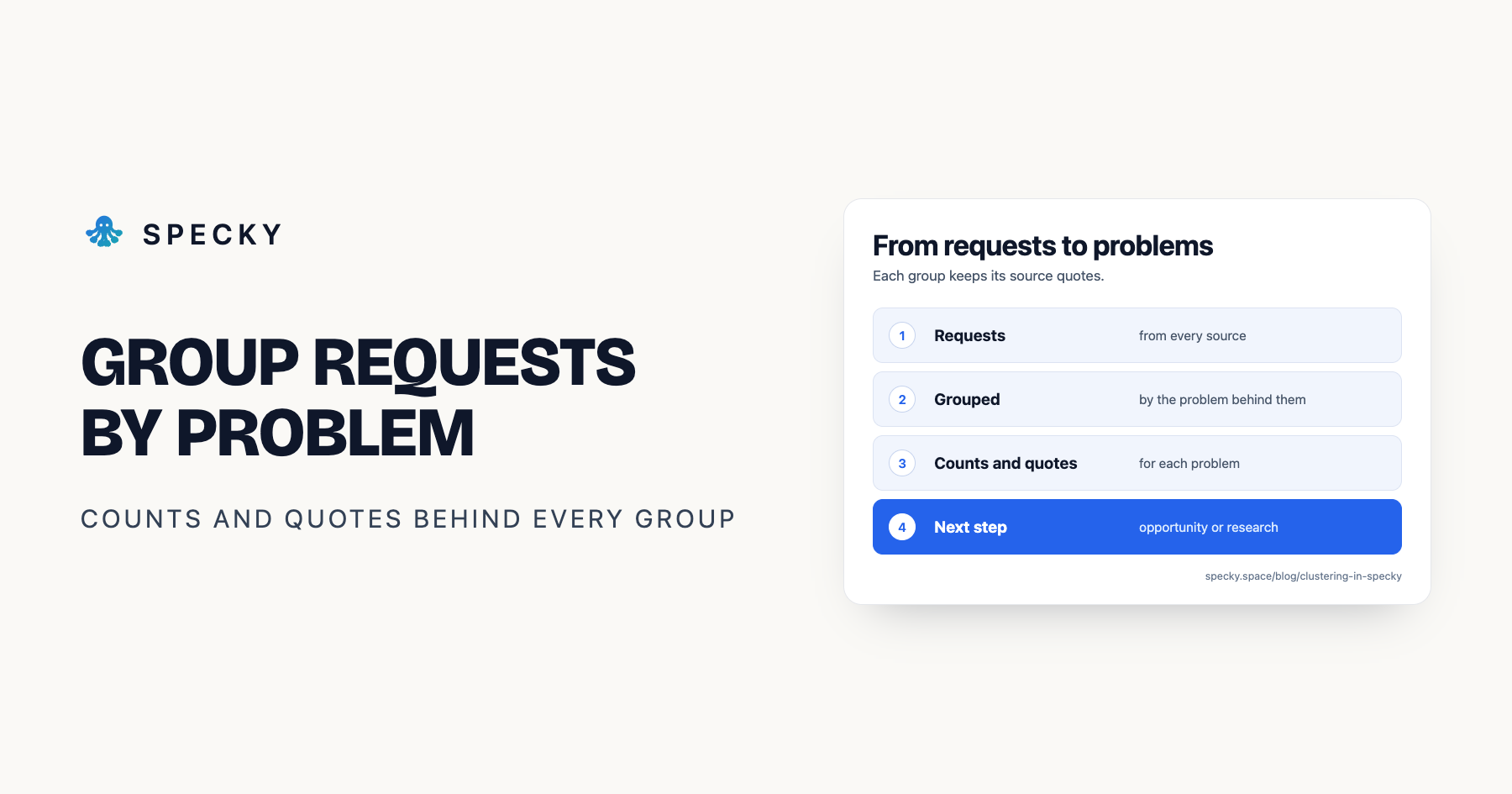
The same complaint shows up as a call note, a support ticket and three Slack messages. Each one uses different words, so it looks like five small requests instead of one real problem. A small team rarely has time to read across every channel and notice.
What it does
- Reads the requests in your current product and puts related ones together, even when they came from different channels.
- Gives each group a plain-language name and a count of the signals in it.
- Keeps the original signal and a supporting quote beside the count, so you can read how people actually said it.
- Lets a person turn a cluster into an opportunity on your map, or into a research question when the evidence is too thin to commit.
- Leaves signals that do not fit unclustered, and reports how many there were.
How it works in practice
Start with the requests already in your workspace from the tools you use. Specky groups recent signals around shared problems and names each group.
Picture one group: a call note, a support ticket and three Slack messages all describe teammates being unable to join a workspace. Specky puts them together with a count and a supporting quote.
Now you read. Do the quotes really describe the same thing? Is anything missing from what the count shows? Then you choose. If the problem is clear, it becomes an opportunity. If it is not, it becomes a question for your next few customer interviews. Either way, the original signals stay linked, so the next person can see why you went that way.
The signals that did not fit any group are still there. You can review them later or wait for more to arrive.
Where it stops
- A cluster does not tell you what to build. A count shows how often something came up in the signals you have. It is not a ranking.
- Specky does not attach a financial value to a request. If value is unclear, write a research question and gather more evidence first.
- The groups are only as complete as the signals in your workspace.
Try it
Look at the requests you already have, read the words behind each count, and decide what deserves a closer look. See how it works on the feature page.
Prefer to triage in a chat? The signal triage board builds the same review in Claude or ChatGPT from your Specky signals.
Keep reading
Sort Customer Signals by Your Own Product Areas
Name your product areas once. Specky files every new signal under them, with the source and classification confidence you can check.
Why Did Signups Drop? Answering Product Questions With Evidence
Your dashboard says what changed, not why. Specky checks the live source, adds customer context and gives you an answer with its evidence and unknowns.
Import Customer Feedback From a CSV, Doc or URL
You already have feedback in exports and docs. Upload a file, add a URL or paste a batch, and Specky turns it into signals you can group and quote.