Sort Customer Signals by Your Own Product Areas
Name your product areas once. Specky files every new signal under them, with the source and classification confidence you can check.
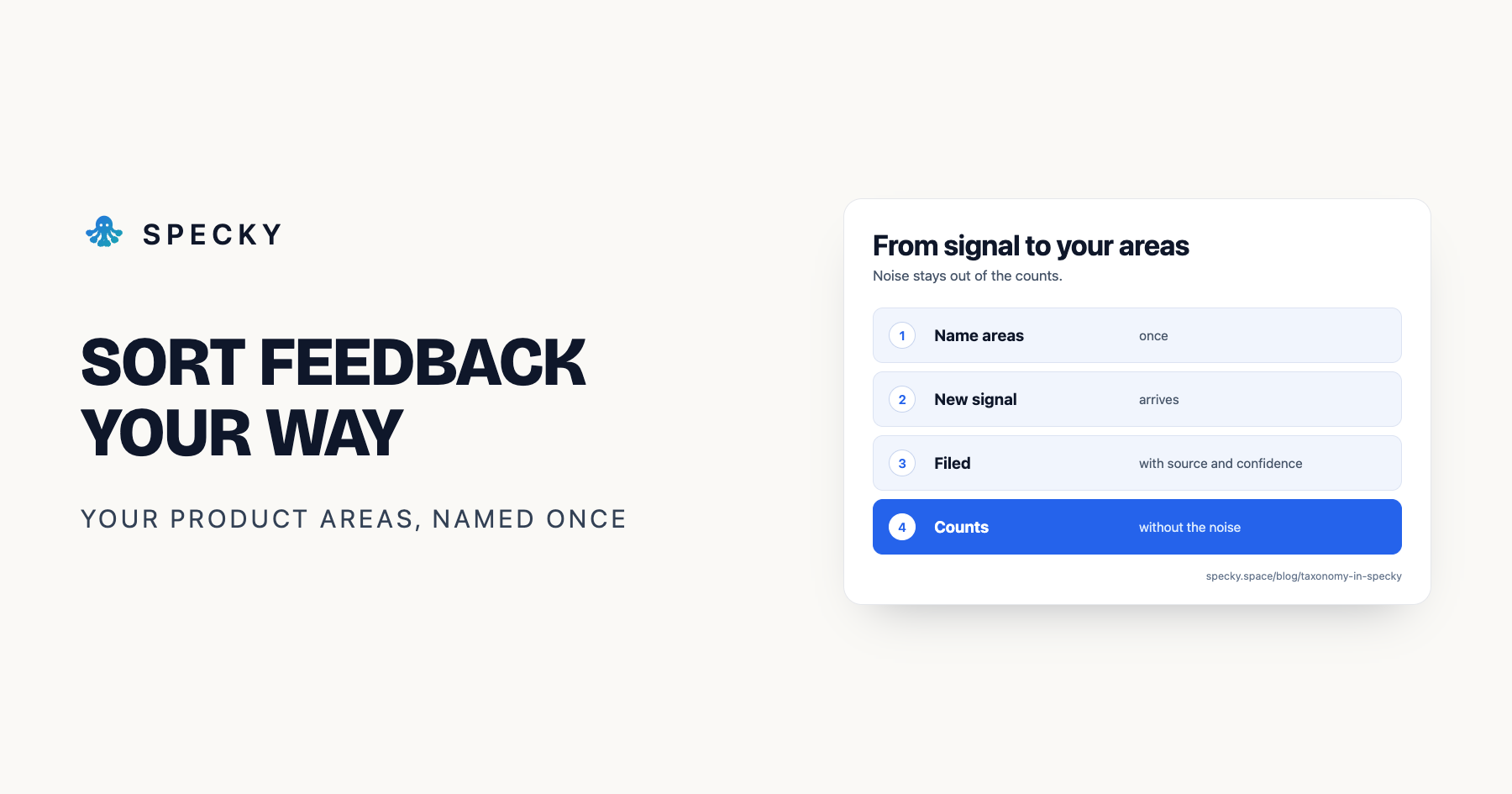
Feedback comes in from support, calls and Slack, and each person files it under a different name. One says onboarding, another says setup, a third says first run. When nothing shares a name, you cannot count anything, and every review starts with an argument about labels.
What it does
- Lets you name your product areas once, in words your team already uses, such as Onboarding or Billing, with children for finer splits.
- Files each new signal under an area once a source is connected, then under a feature and theme where they apply. Existing categories are reused when they fit.
- Marks each synced signal Actionable, Low-value or Noise. The Exclude noise and Actionable only filters in Insights use those labels.
- Shows, for any area, its signals, where each came from and how confident the classification was. Open it from the command palette as Product vocabulary, or from the Taxonomy tab in Customer signals.
How it works in practice
Start with the words your team says in a product review. Say you add Onboarding and Billing, with Invite under Onboarding.
Then connect a source. There is nothing to sort until signals arrive. A support message about invite emails comes in, followed by a call note about setup. Specky files both under Onboarding and shows the source and confidence for each.
When you sit down to review, you start from the area, not from a pile of messages. You can check any label, filter out the noise, and add a category when you need one. Deciding what the grouped evidence means, and what to test, stays with you.
For a solo founder, this keeps a growing pile of feedback readable without hand-tagging. For a small team, it means everyone uses the same words, so counts from different weeks and sources can be compared.
Where it stops
- You cannot rename or delete a saved category in this view. Categories that came from signals change when those signals are reclassified.
- It does not attach signals to a company or account. It sorts by product area, feature and theme only.
- Specky does not invent a taxonomy for you. You keep the list of areas.
Try it
See how product vocabulary works at specky.space/features/taxonomy.
Keep reading
Why Did Signups Drop? Answering Product Questions With Evidence
Your dashboard says what changed, not why. Specky checks the live source, adds customer context and gives you an answer with its evidence and unknowns.
Import Customer Feedback From a CSV, Doc or URL
You already have feedback in exports and docs. Upload a file, add a URL or paste a batch, and Specky turns it into signals you can group and quote.
One Feedback List for Slack, Support, Calls and Email
Specky puts requests from Slack, support tools, calls and email in one list grouped by the problem behind them, with question boards and a portal you control.