One Feedback List for Slack, Support, Calls and Email
Specky puts requests from Slack, support tools, calls and email in one list grouped by the problem behind them, with question boards and a portal you control.
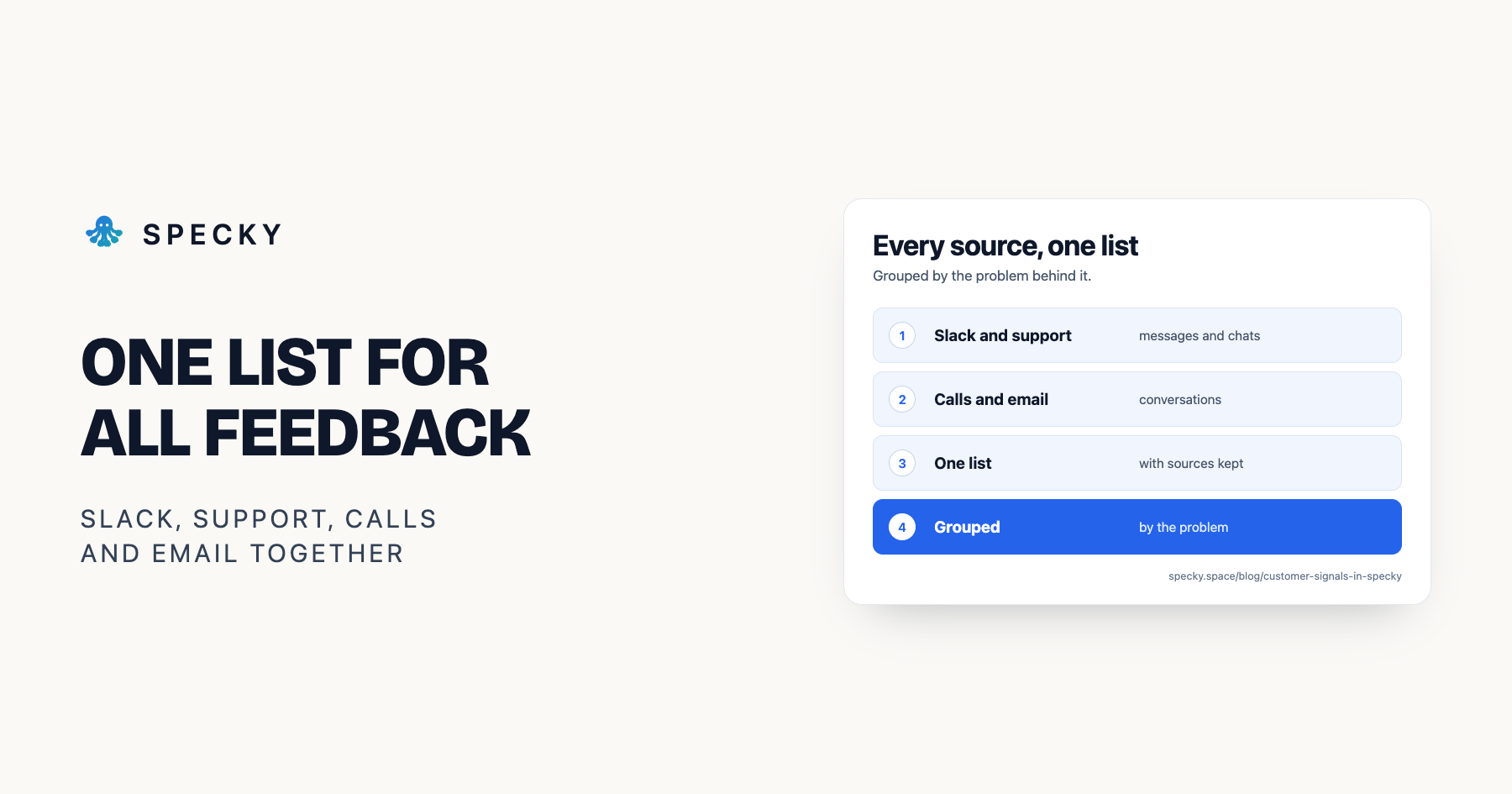
Feedback arrives everywhere at once. A request in Slack, a support ticket, a line from a sales call, an email to the founder. Five channels can describe one frustration in five different ways, and in a small team nobody has time to read them all side by side.
What it does
- Brings requests from Slack, support tools, calls and email into one list, grouped by the problem behind them.
- Runs question boards. Share a link, people answer on sticky notes and rate how much it matters, and Specky groups the answers into themes with counts and quotes.
- Gives customers a public feedback portal to submit ideas, vote and follow status. Nothing goes public until you approve it.
- Files every new signal under the product areas you named once, using your product vocabulary.
- Links insights and themes back to the source, so a count always has evidence behind it.
How it works in practice
Name your product areas first, such as onboarding, billing and integrations. Then let requests land from the channels you already use.
Specky groups them by the problem behind them. You read one list instead of five inboxes. When a theme looks important but thin, you share a question board with a few customers and see how much it matters to them, in their own words.
Customers who want to follow along use the portal. A sensitive or early request stays private until you approve it.
When you are ready to act, a theme links back to its sources and onward to a decision, so the reason for the call is still there later.
From Claude or ChatGPT, the Specky connector can save feedback when you ask "save this customer feedback to Specky" and show the latest when you ask "what have customers said recently in Specky?".
Where it stops
- Specky does not replace Slack or your support tool. Those keep working, and the original source stays linked.
- Specky groups signals, but it does not decide what they mean. You name the product areas and check the grouping.
- The public portal only shows what you approve. The rest of the workspace stays private.
Try it
Start with the channels you already use and see the problem behind the requests. Learn more on the feature page.
Keep reading
Sort Customer Signals by Your Own Product Areas
Name your product areas once. Specky files every new signal under them, with the source and classification confidence you can check.
Run AI Customer Interviews Without Losing the Evidence
Alex runs customer interviews from a link and writes up what it heard. A finding only counts once a person attaches the evidence and accepts it.
Why Did Signups Drop? Answering Product Questions With Evidence
Your dashboard says what changed, not why. Specky checks the live source, adds customer context and gives you an answer with its evidence and unknowns.